

How to Apply
FOR Choose Cobb
Follow the steps below to apply for Spring 2027. Georgia students who live outside the Cobb County School District may apply for open seats, subject to eligibility. Applications open early November and close Nov. 30, 2026. Accepted students begin classes Jan. 5, 2027.
Prepare your records
Explore Participating Schools
Browse school profiles for grade levels, programs, and locations, then contact a school directly to arrange a tour. Families provide transportation.
Gather Your Application Records
Families should submit the following:
- A complete, signed application
- The student’s most recent report card or transcript
- Attendance records
- Discipline records
- Standardized test or assessment scores, if available
- The student’s IEP or 504 plan, if applicable
Save clear copies of your records. The portal accepts PDF, JPG, JPEG, PNG, DOC, DOCX, BMP, TIFF, and GIF files up to 5 MB each.
Spring 2027 tuition is $600 per semester, with no application fee.
Complete the online application
Open Online Registration
Complete one online application per student through the district’s online registration system. Create an account. On Getting Started, click Begin Registration.
Enter Your Family’s Information
Complete the following sections in order. Click Next after completing each screen, then check your answers on the summary screen and click Done.
The screenshots show example information. Enter your family’s details in each section, and use a phone number and email address you check often.
Adult / Guardian Info
Enter your name, household details, preferred language, phone number, and email address. Review the summary and select Done.
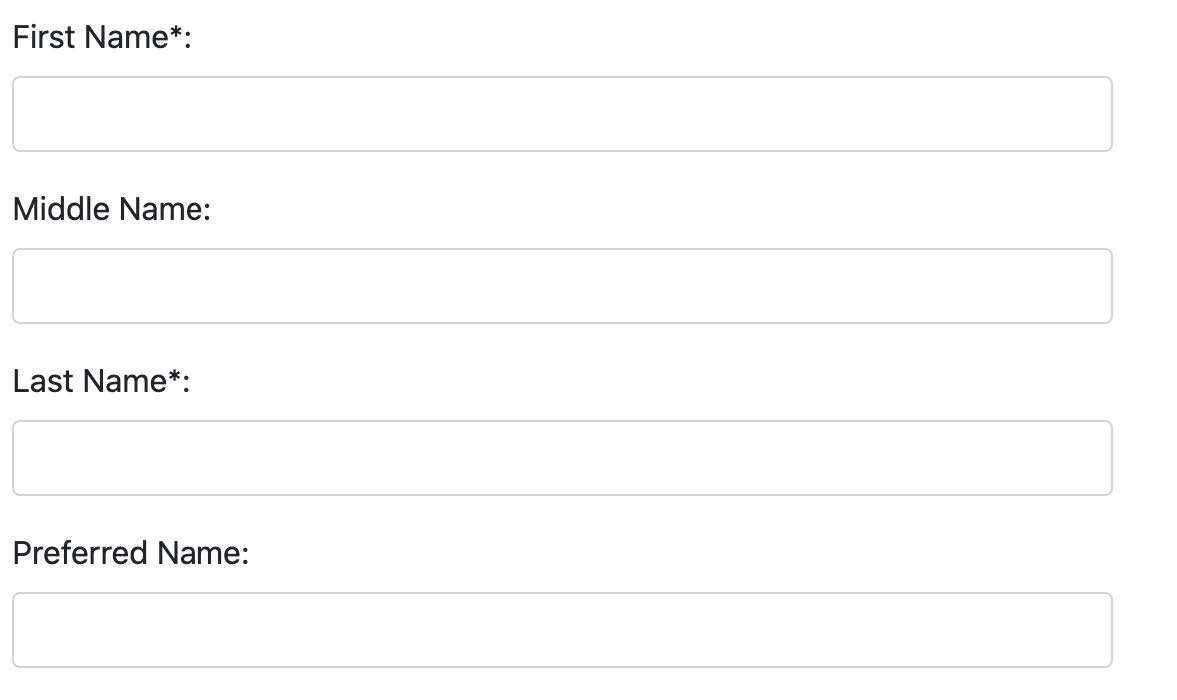 Enter the enrolling adult's details.
Address
Enter your home and mailing addresses. Upload your lease or home ownership document and a current utility bill, then check the summary and select Done.
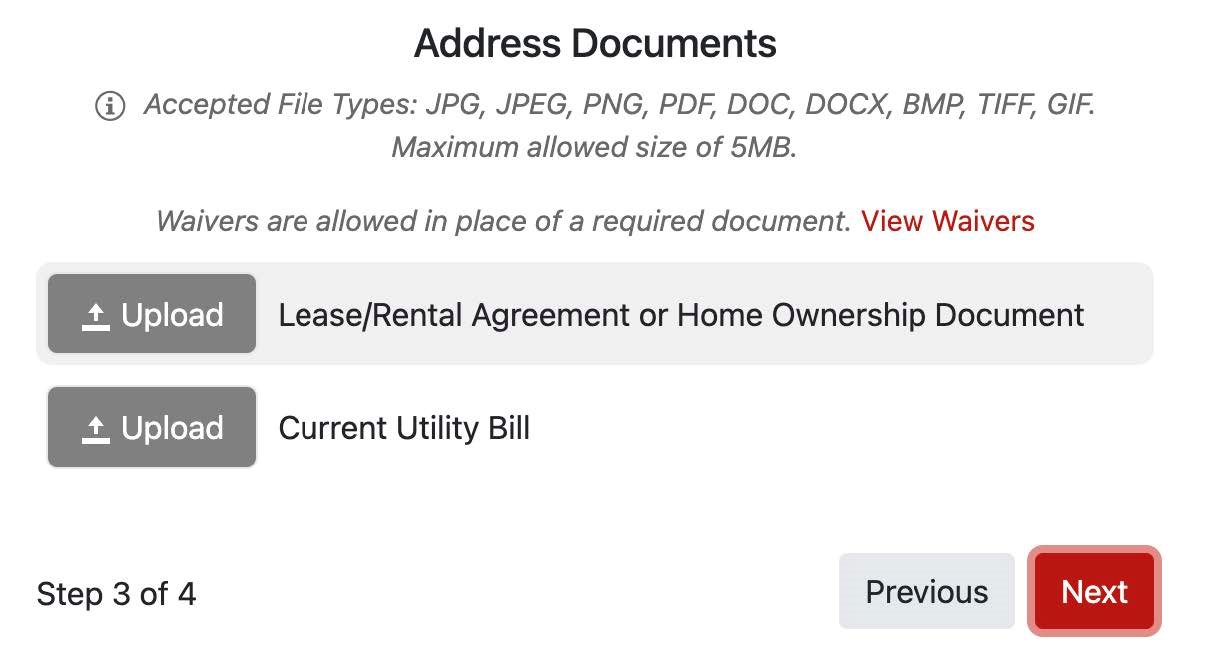 Use upload next to the matching document.
Student Details
Enter your child’s name and birth date, then answer the language, school history, and health questions. Check the summary and select Done.
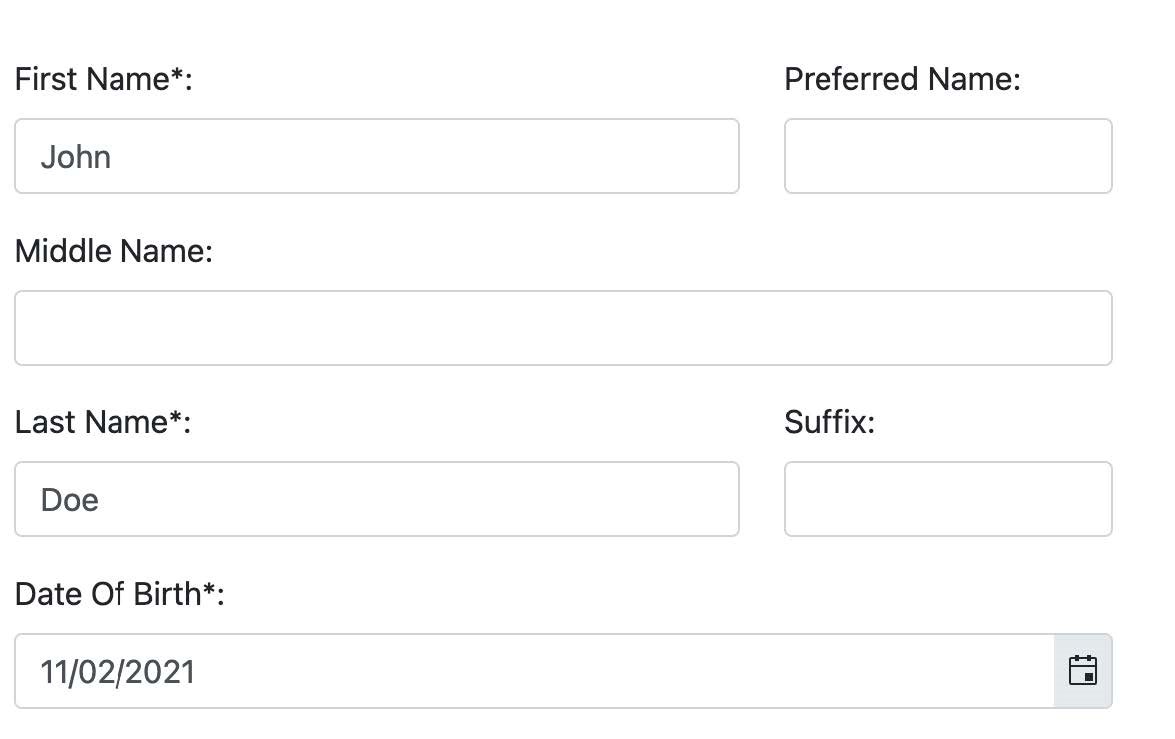 Enter your child's information.
Contacts
Review the contacts listed for your child. Select Add Contact to enter additional contacts, then continue to Enrollments. Confirm the student’s name before continuing.
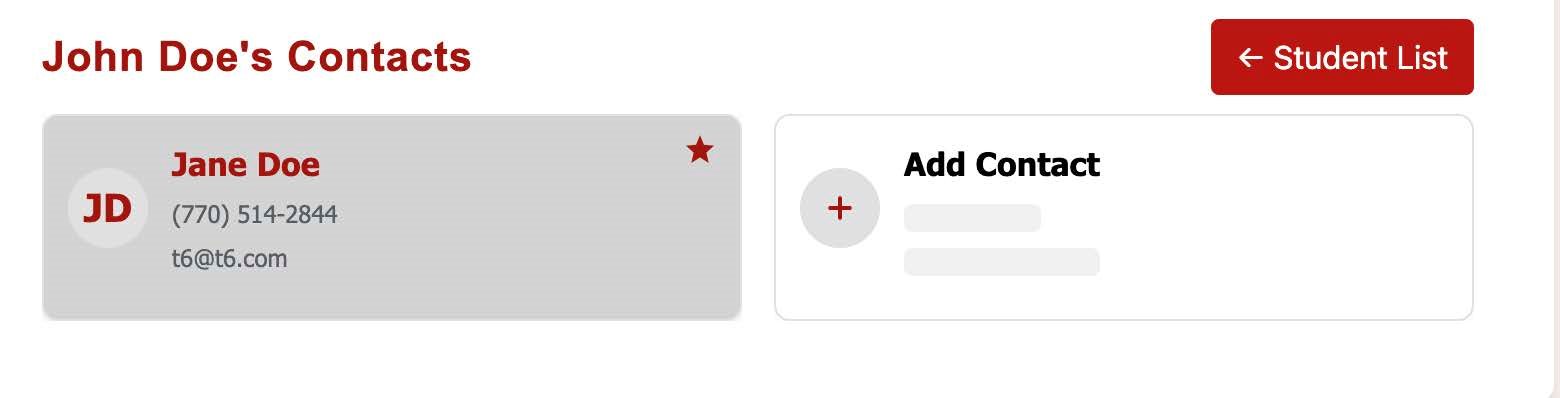 Review contacts for student named on the screen.
Select the Choose Cobb Application
In your child’s registration, go to Enrollments. For Spring 2027, select Current Year. Answer the School History questions, check any services your child receives, and select Next.
Answer Yes to the Choose Cobb or school choice transfer question. Under Available Option(s), select Choose Cobb: Out of District Application.
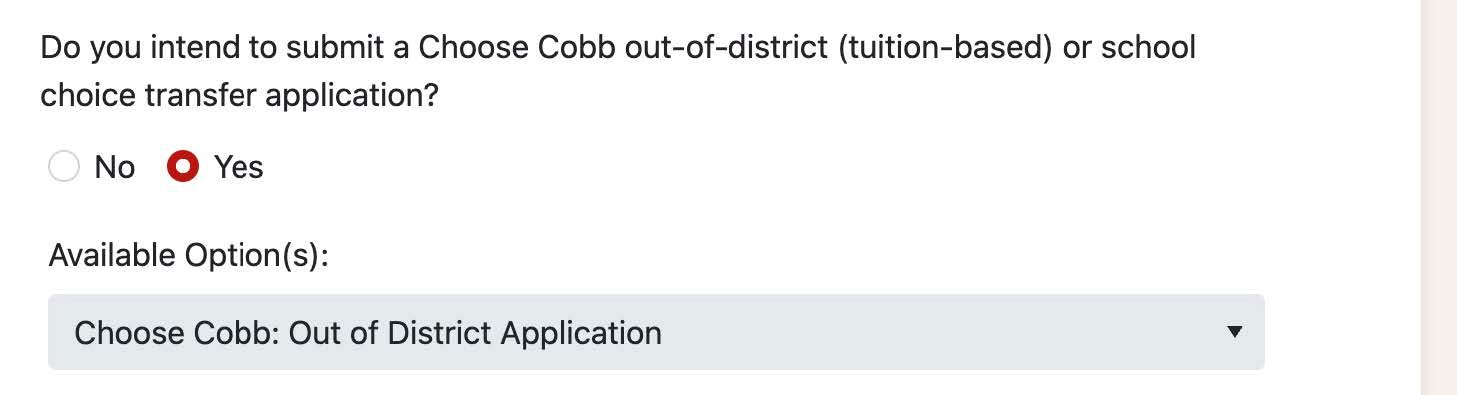 Choose Cobb appears within the Enrollments section.
CHOOSE YOUR SchoolS
Select your first-choice school in School Choice 1. Use School Choice 2 and School Choice 3 to rank additional schools, then review your selections before submitting.
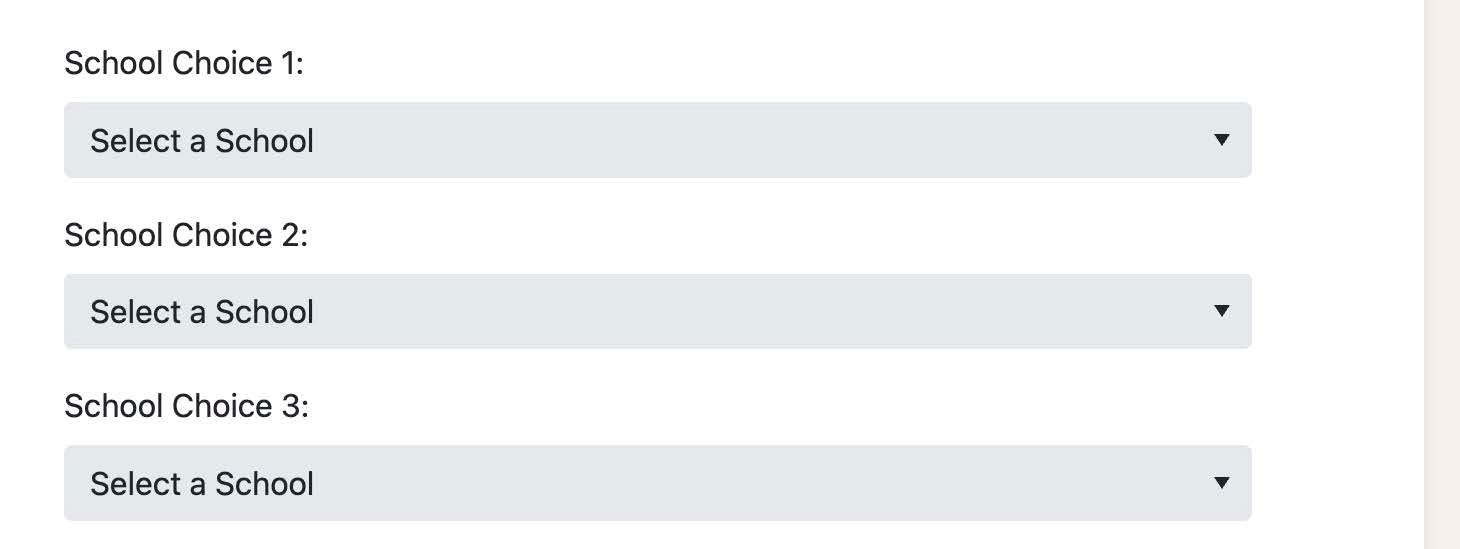 School choice fields
Upload Your Records and Submit
Select Upload beside a document name and choose the matching file from your device. Repeat for each document you are submitting. Check your school choices and uploaded files, then select Submit Application. The Choose Cobb office checks each application for completeness and contacts families if anything is missing.
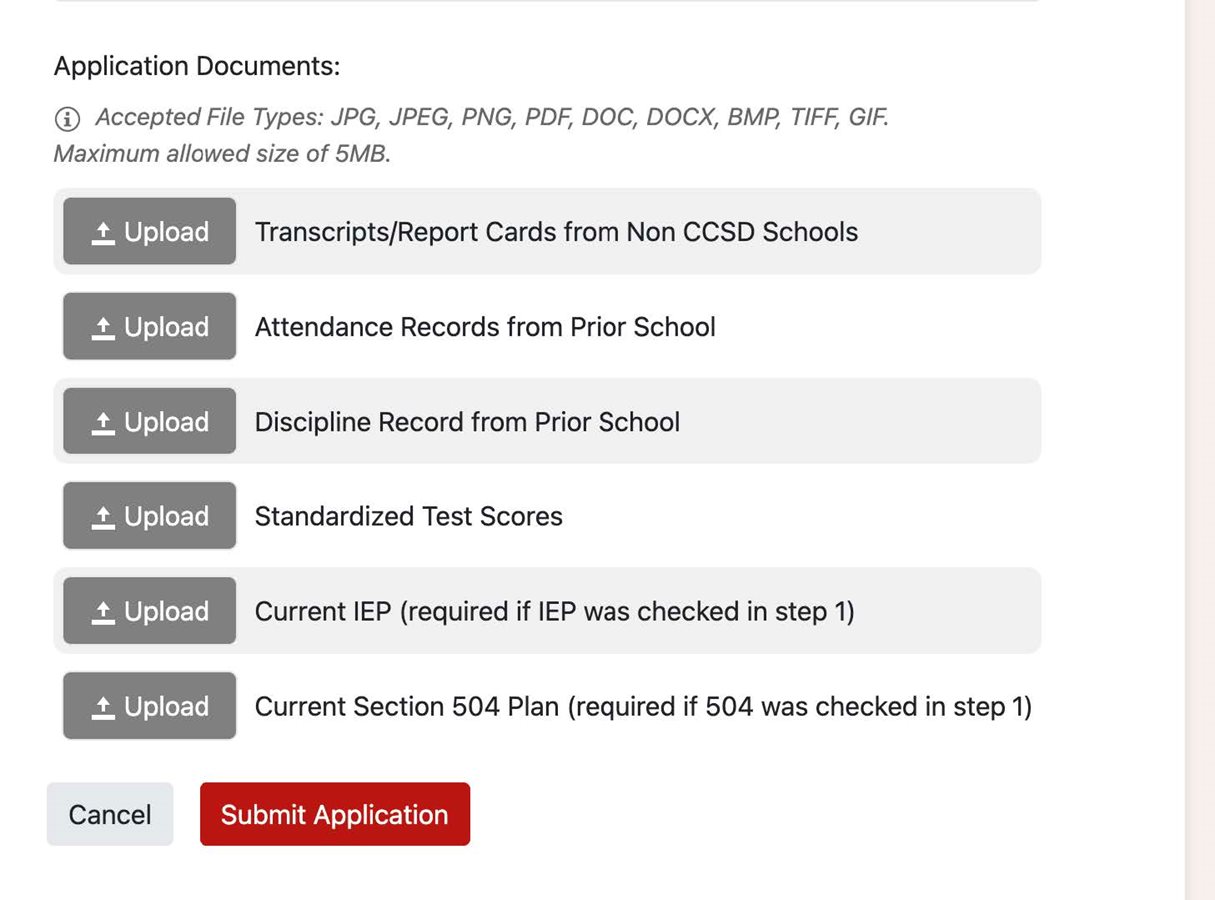 Documents required for application
After acceptance
Review Your Admission Decision
Families applying for Spring 2027 will be notified of their admission decision on or before Dec. 4, 2026.
Admission depends on eligibility and open seats.
Accept Your Offer and Complete Registration
Families have seven days from the date of the acceptance letter to sign the enrollment contract and submit a tuition payment. The Choose Cobb admissions office will notify the school, who will contact you. You will then be supported by school staff to complete the district’s registration process and provide any remaining enrollment documents.
On Enrollment Documents, select Upload beside each document name and choose the matching file from your device. Select View Waivers for document waiver options, then select Next after uploading your documents.
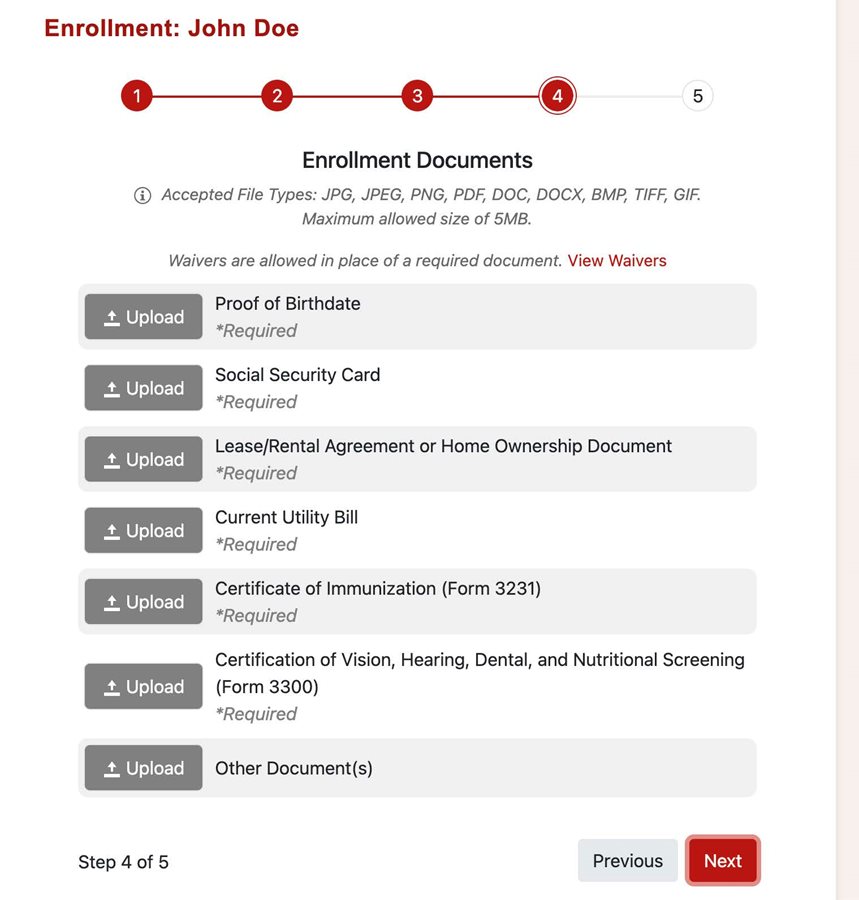 Enrollment Documents
Plan Transportation for Jan. 5
Students accepted for Spring 2027 will begin classes Jan. 5, 2027. Families provide transportation to and from school each day, including early-release days and after-school activities.
On Transportation Info, select how your child will get to school and return home. Enter day care details if applicable, then select Next.
Get application help
For questions about eligibility, applications, tuition, and application status, contact the Choose Cobb office.
choosecobb@cobbk12.org
770-514-2844
